caption ideas,
written from real photos.
Every caption below was written by Vibatorial about the photo it sits on, straight off one phone’s camera roll. Take any of them, or pick your own photo and get one written and designed for it.
3 free covers · No account · Nothing to cancel
coffee captions
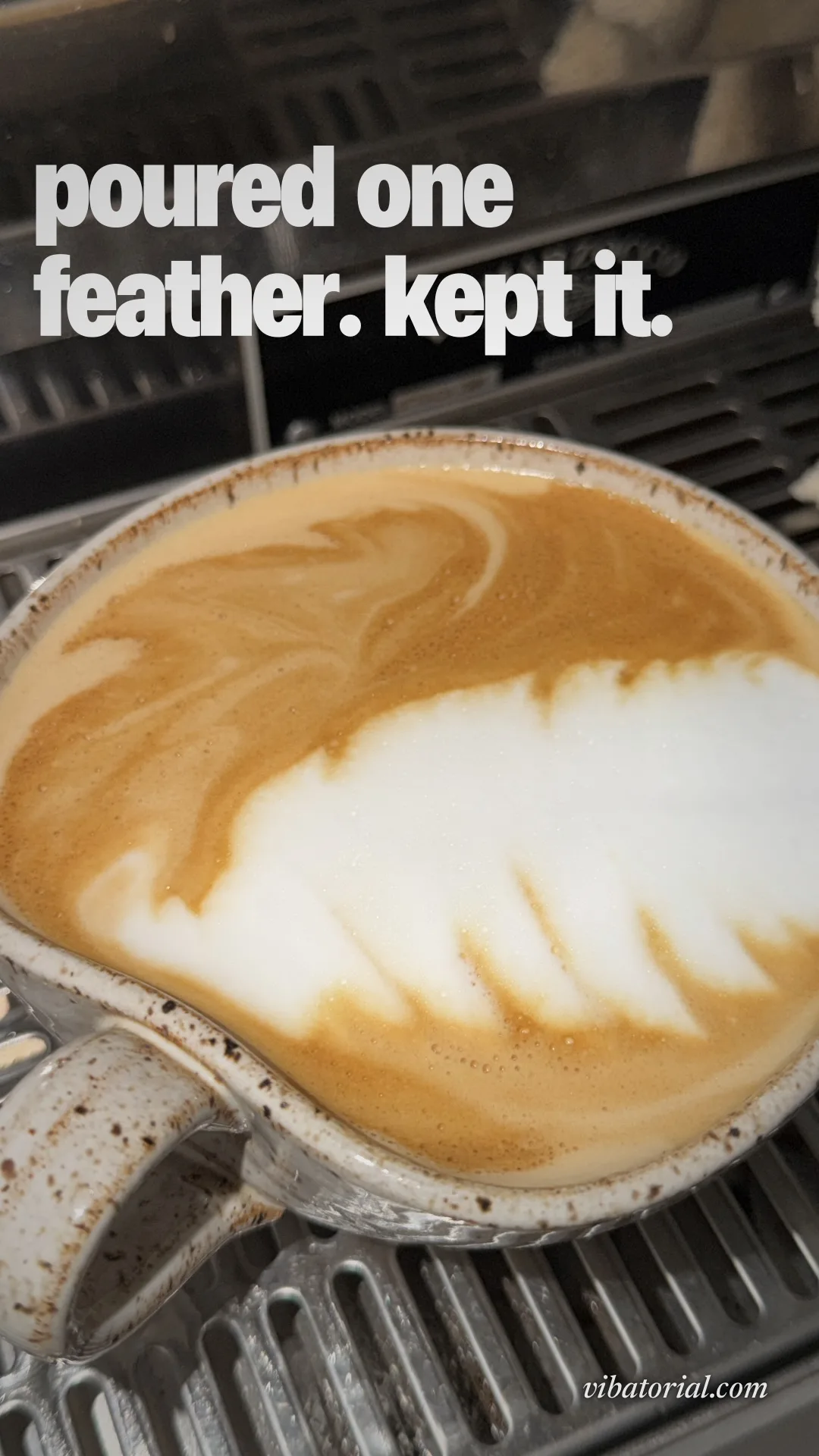
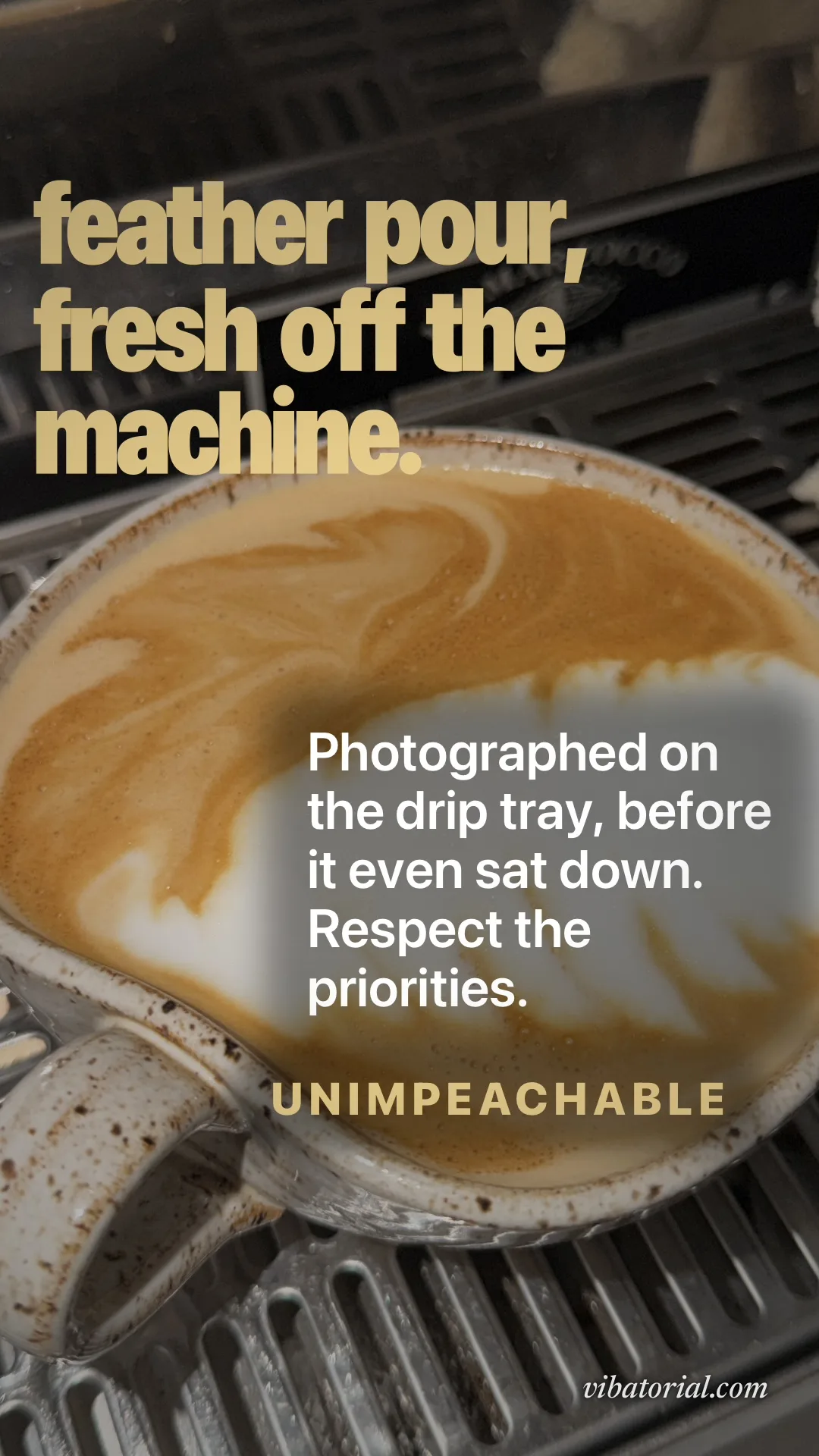
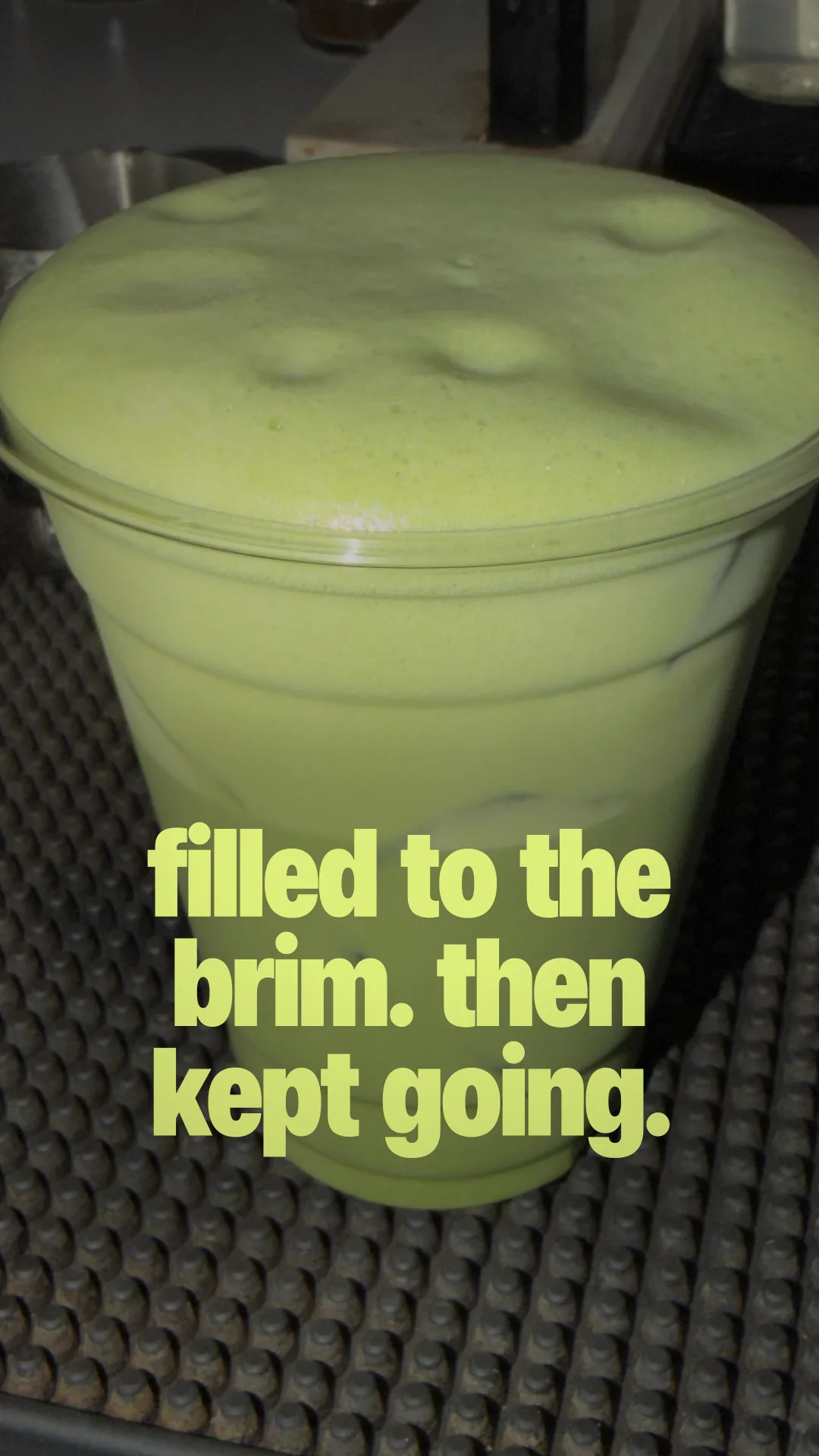
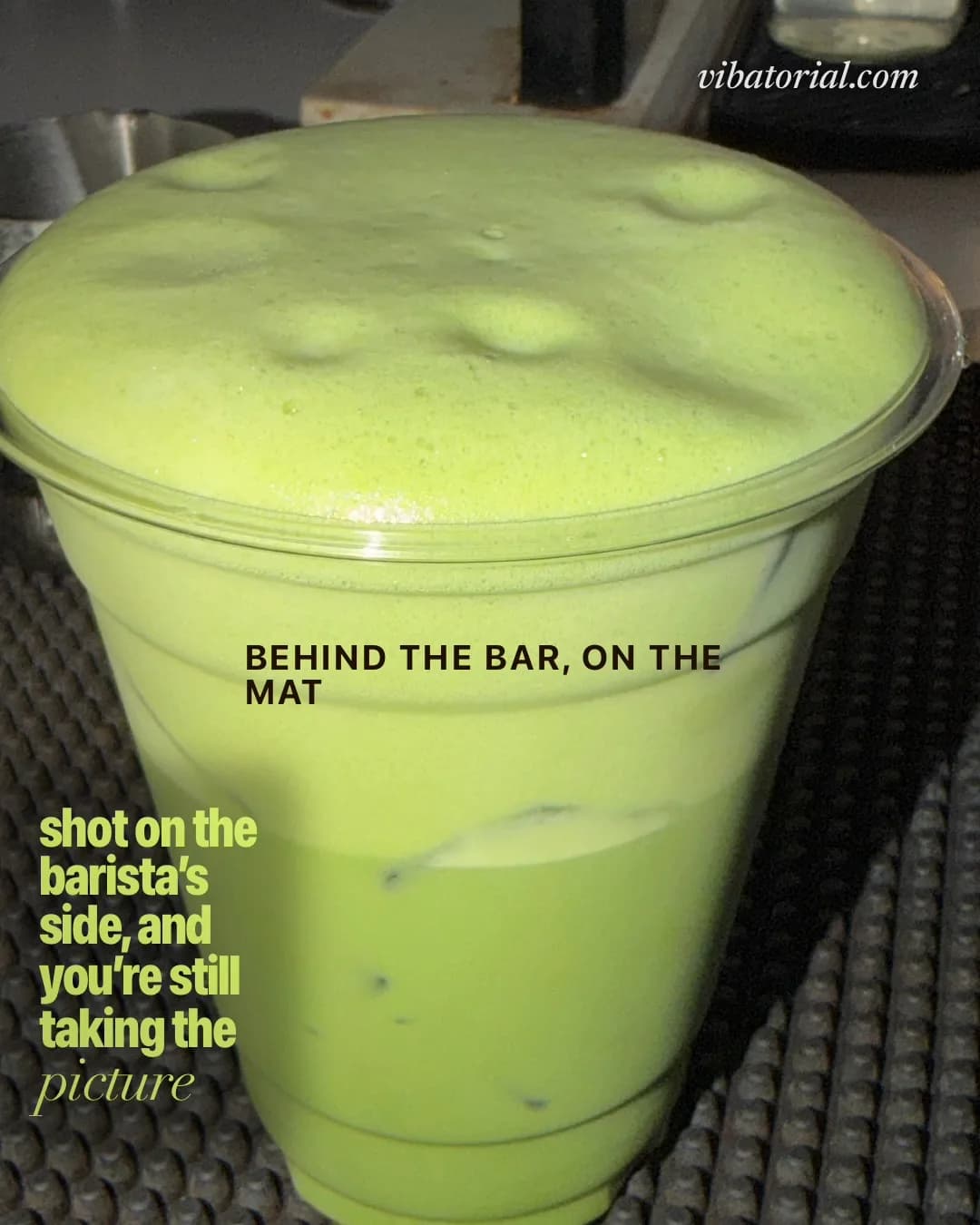
The same cappuccino, written twice, the same matcha, written twice, and a cup on the harbor.
“poured one feather. kept it.”
a cappuccino with feather latte art on an espresso drip tray “feather pour, fresh off the machine.”
a cappuccino with feather latte art on an espresso drip tray “filled to the brim. then kept going.”
an iced matcha domed over the top of its cup on a café bar mat “shot on the barista's side, and you're still taking the picture”
an iced matcha on a café bar mat “coffee, water, and the good light.”
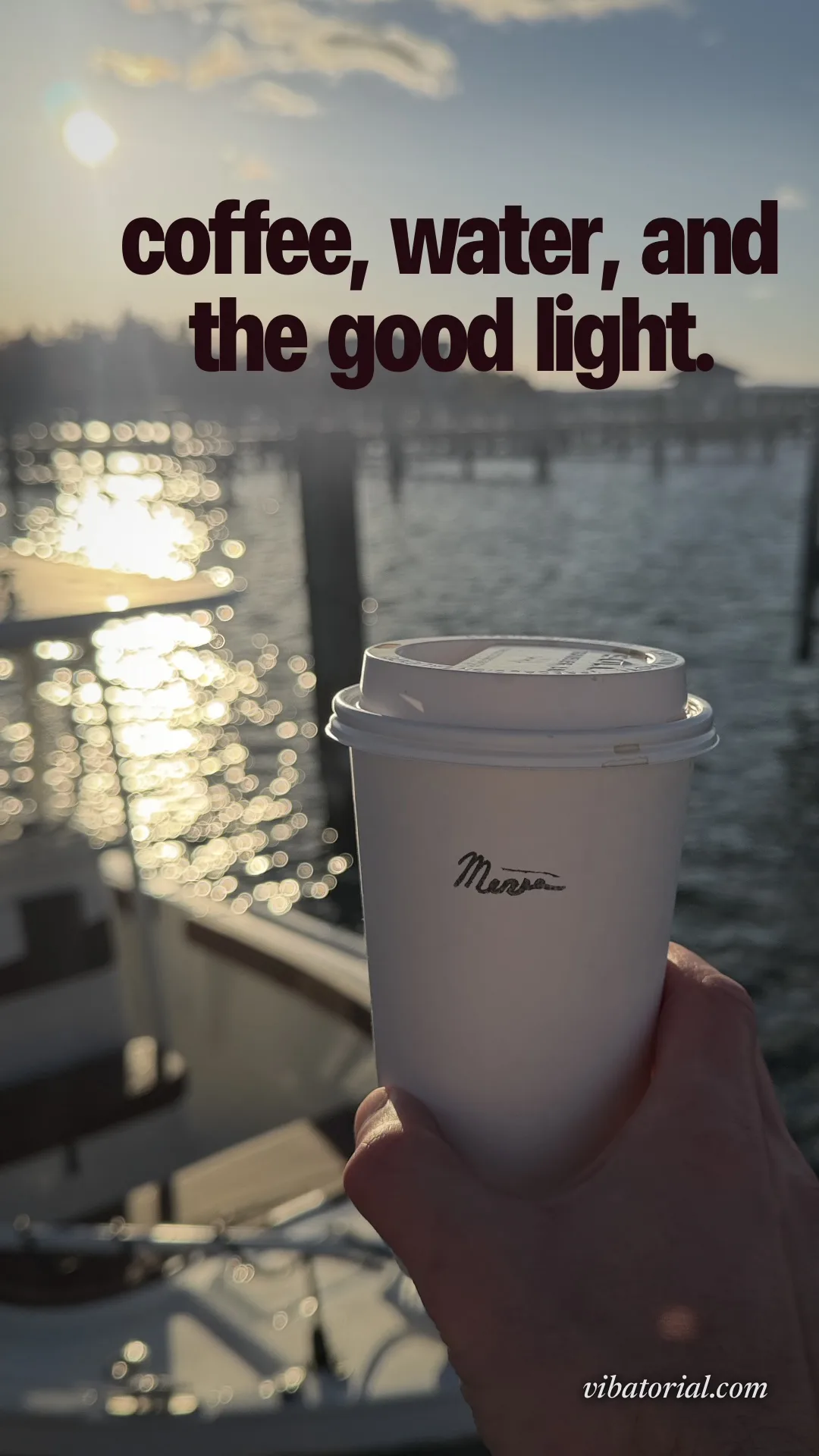
a takeaway coffee held up against sunlight on a harbour
travel captions
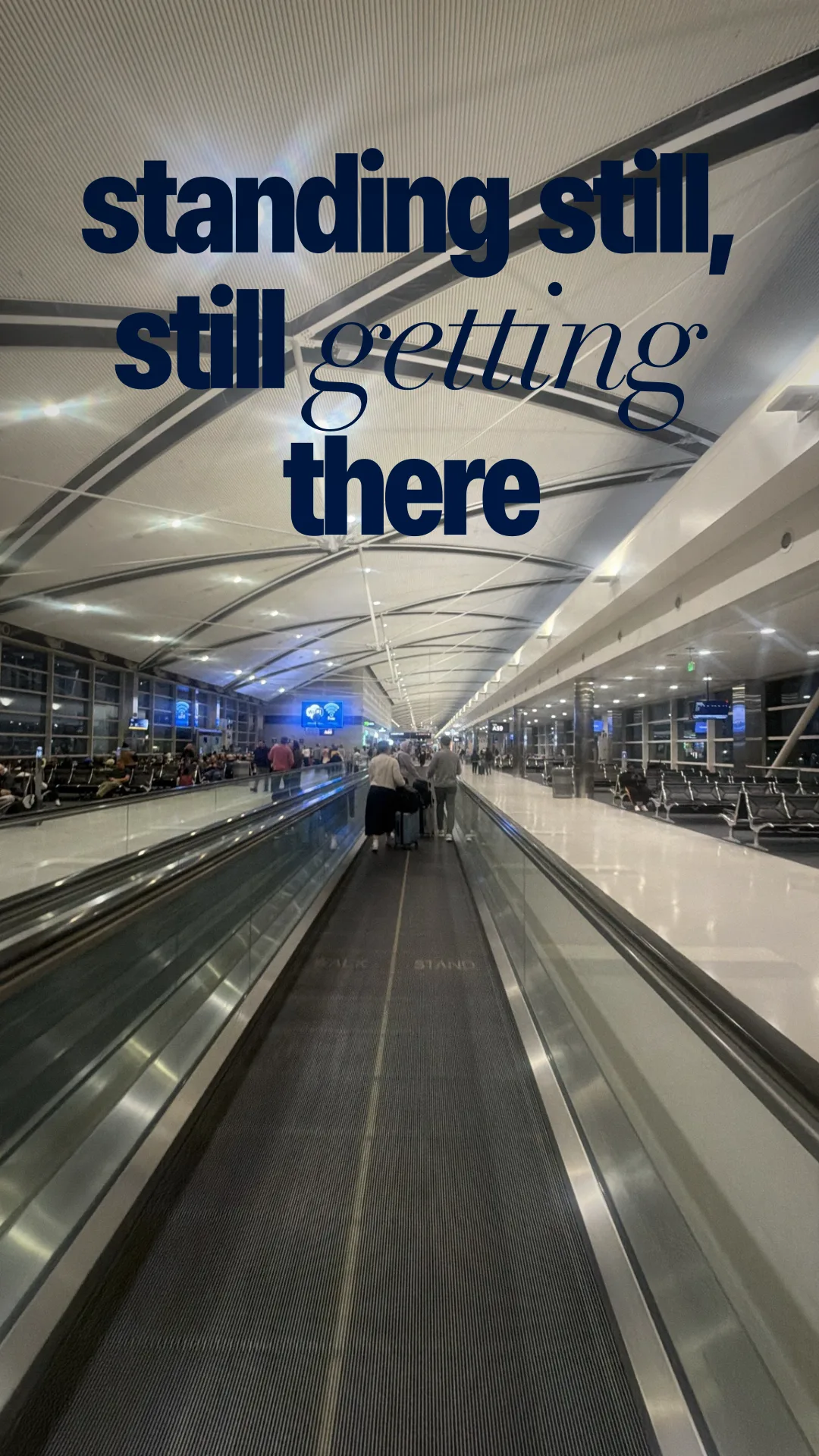
A moving walkway at the airport, and a boat that wasn't waiting for the shore.
“standing still, still getting there”
an airport moving walkway stretching ahead under a curved white ceiling “the shore can keep up or not.”
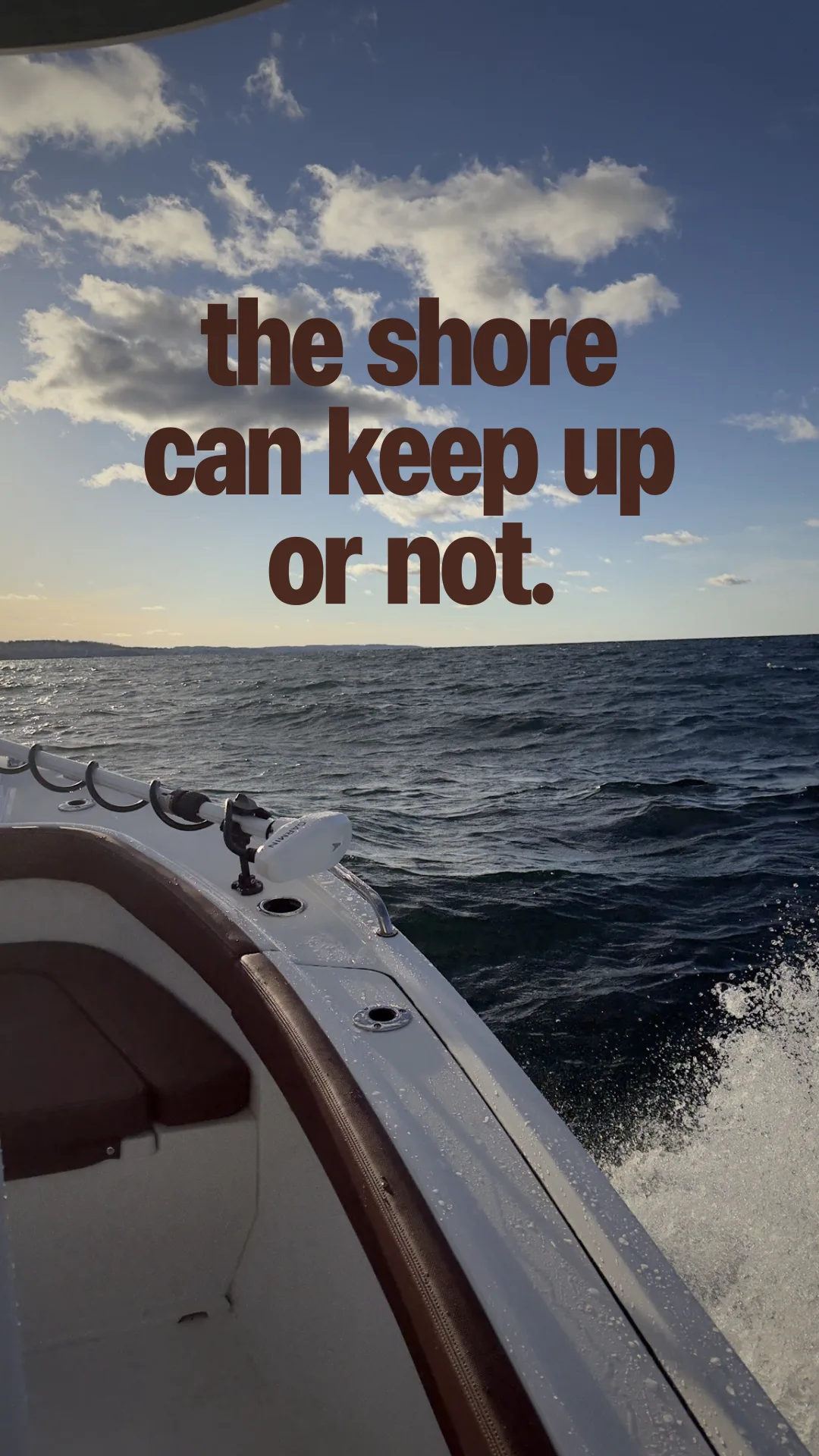
the bow of a small boat cutting through open water under a blue sky
road trip and car captions
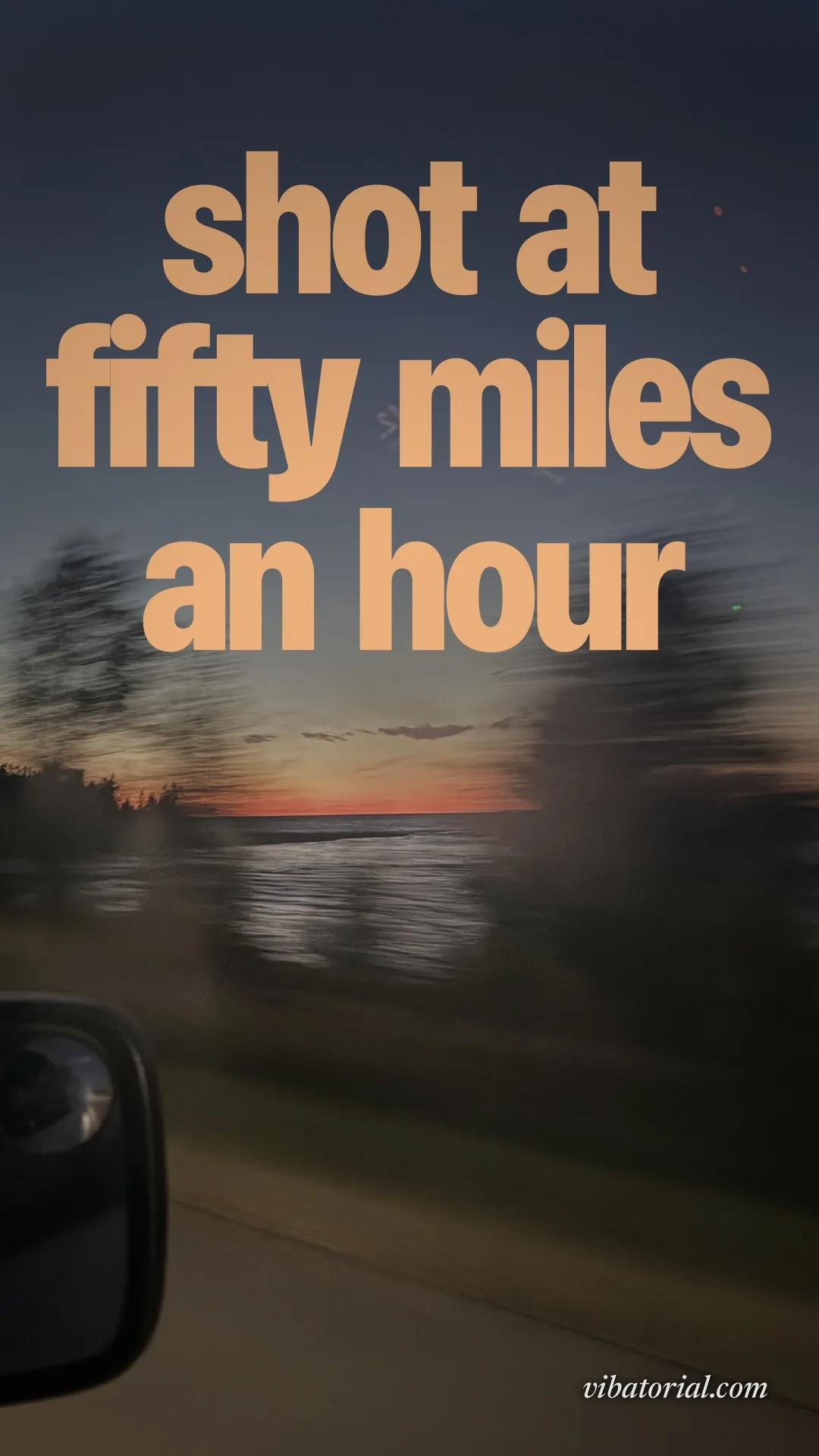
Two sunsets from a moving car, and the ducks on the dashboard, twice.
“not stopping for this one”
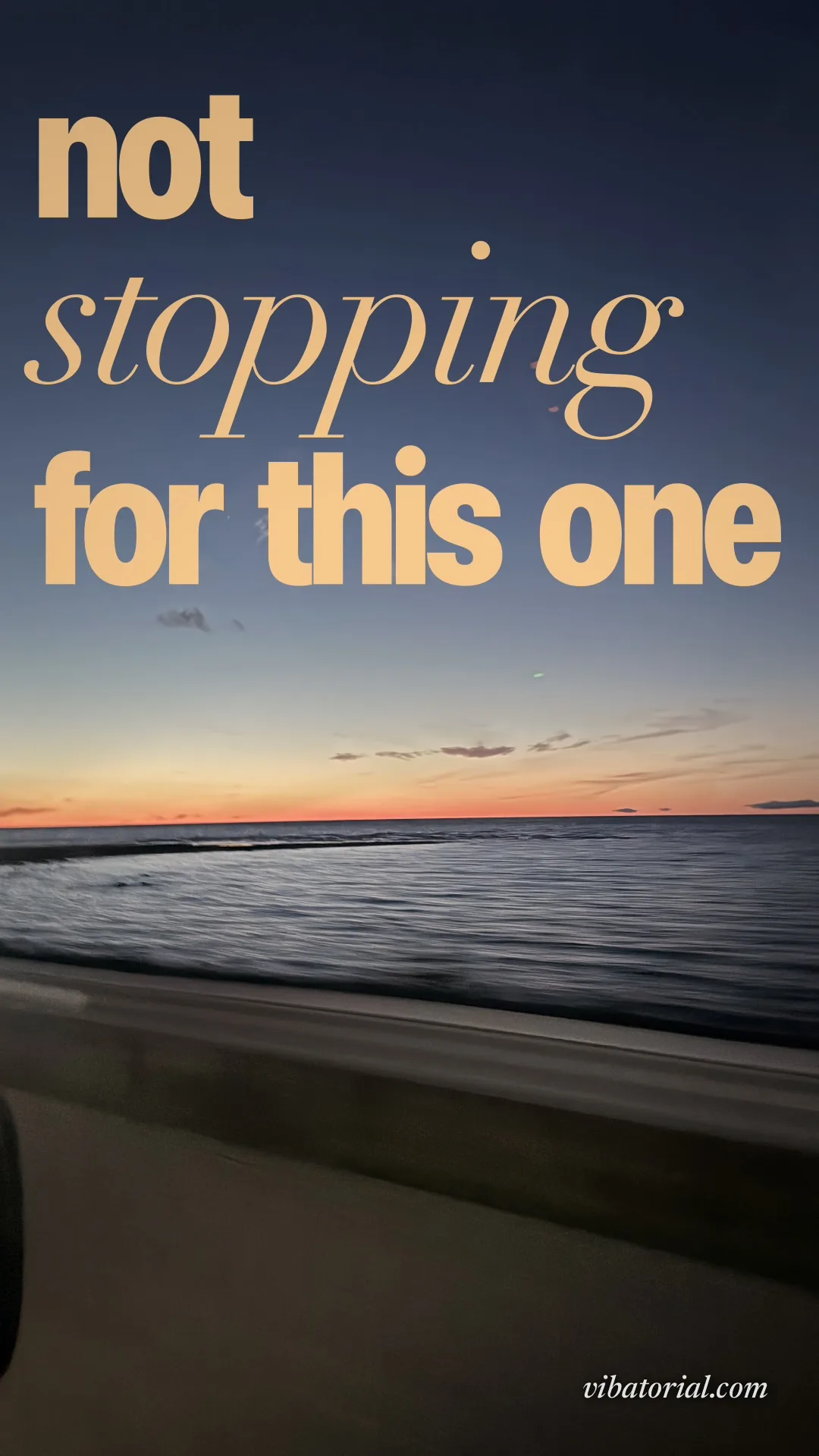
a sunset over open water, shot from a moving car “shot at fifty miles an hour”
a sunset over the water, blurred, shot from a moving car “the ducks get the best seats”
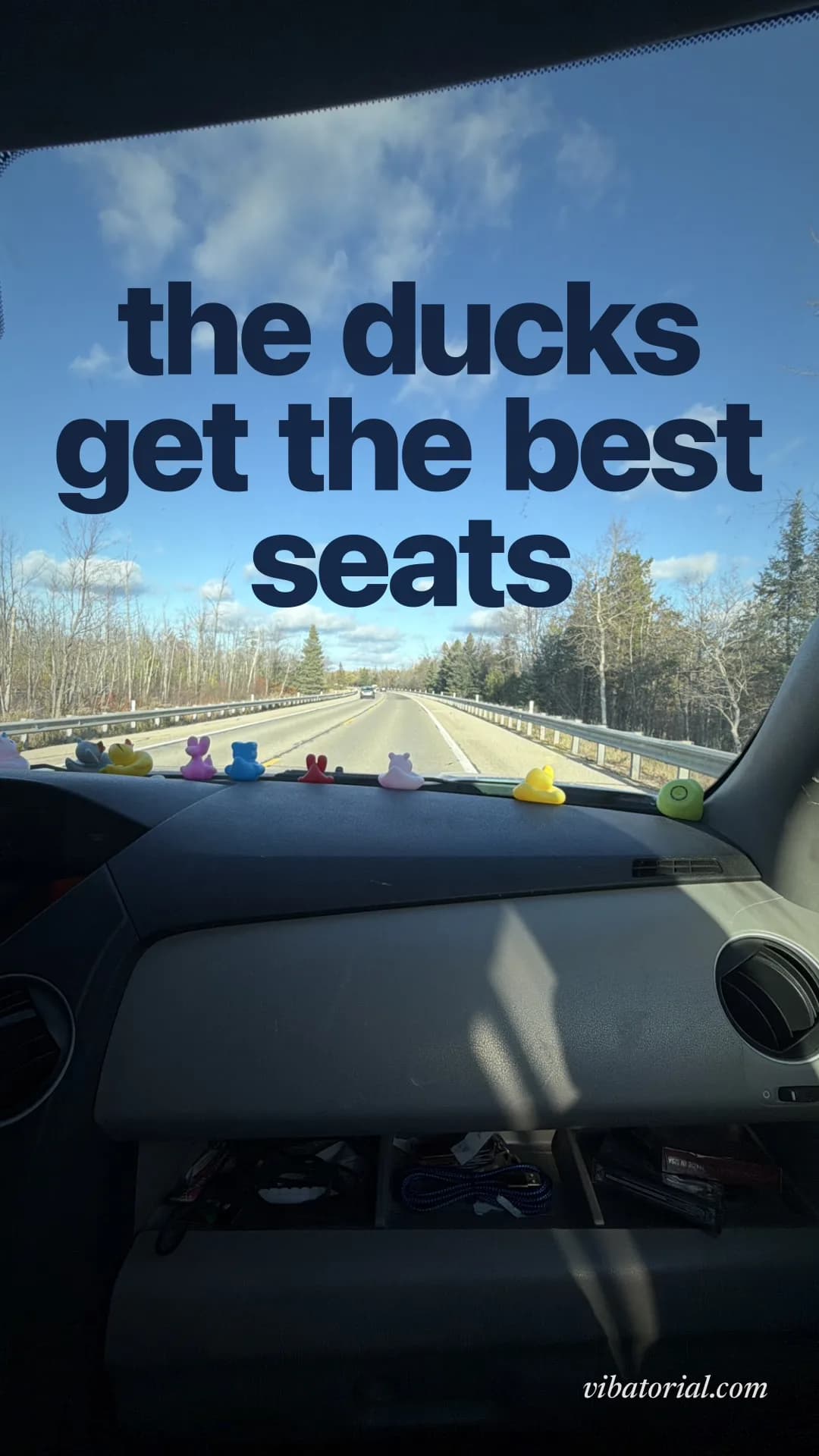
rubber ducks lined up on a car dashboard, an open road ahead “ducks called shotgun first”
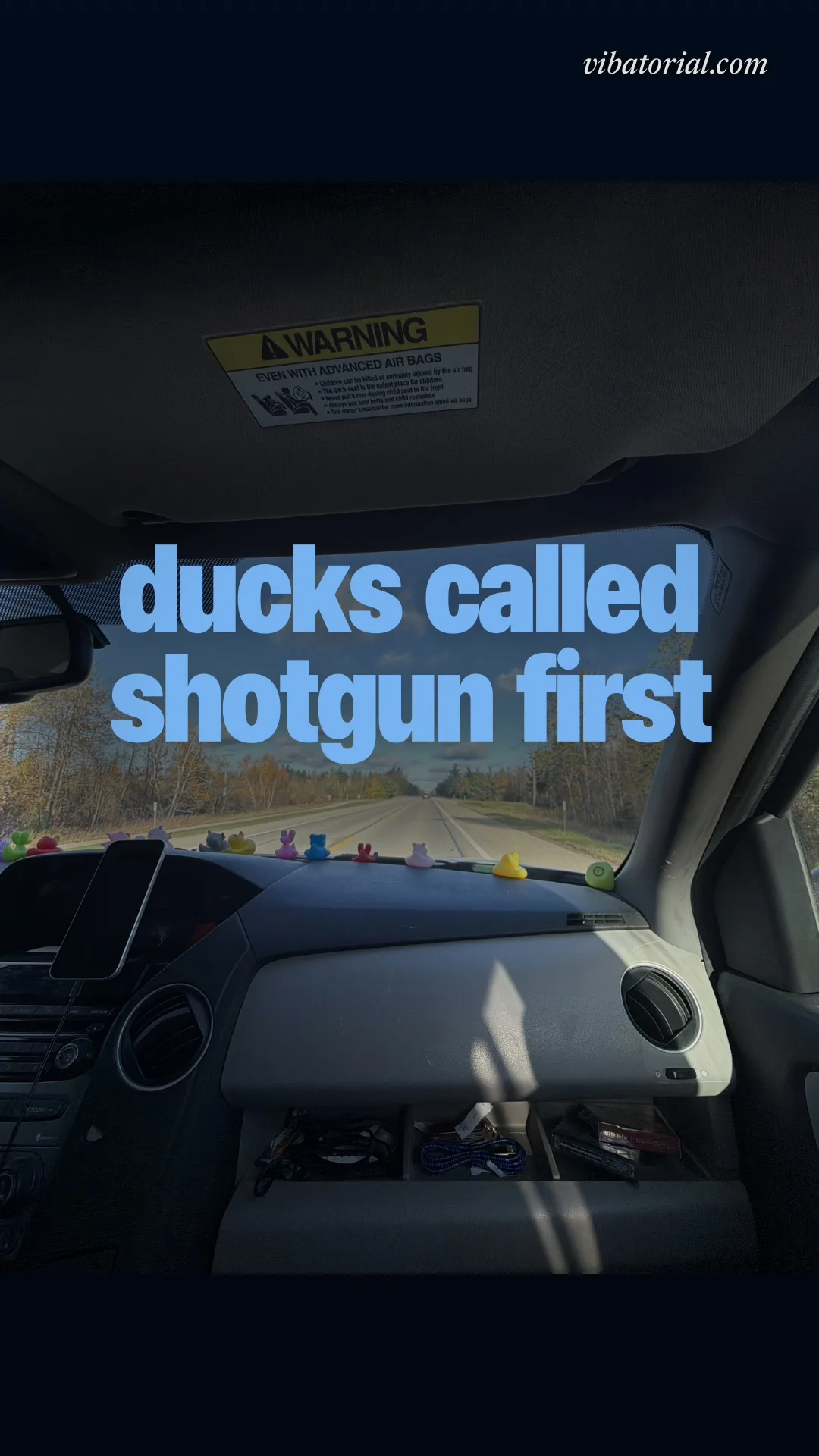
rubber ducks on a car dashboard, a highway ahead
captions for a quiet place
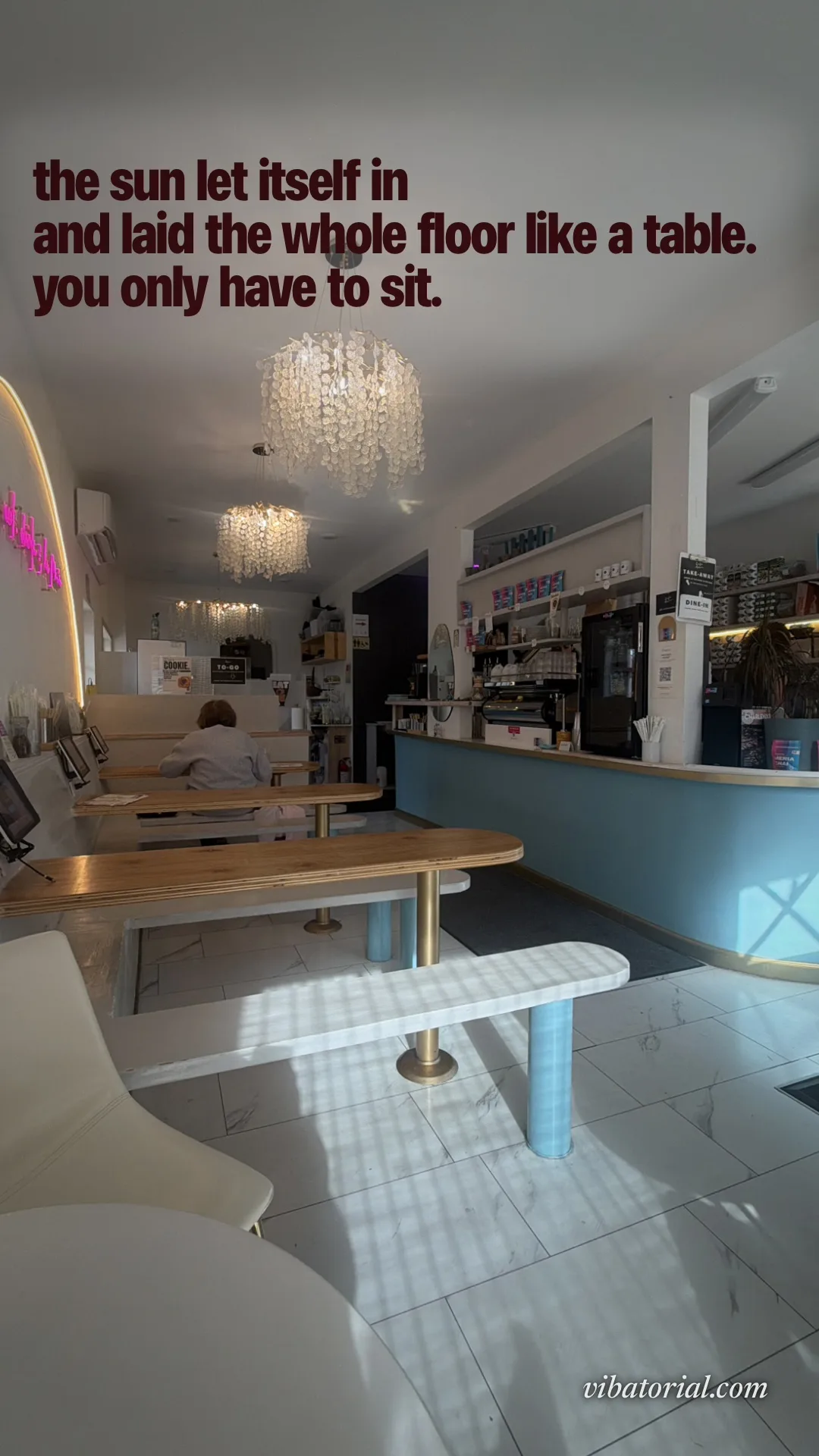
One café in the morning sun, written two ways, and the street outside it.
“chandeliers, and almost nobody here”
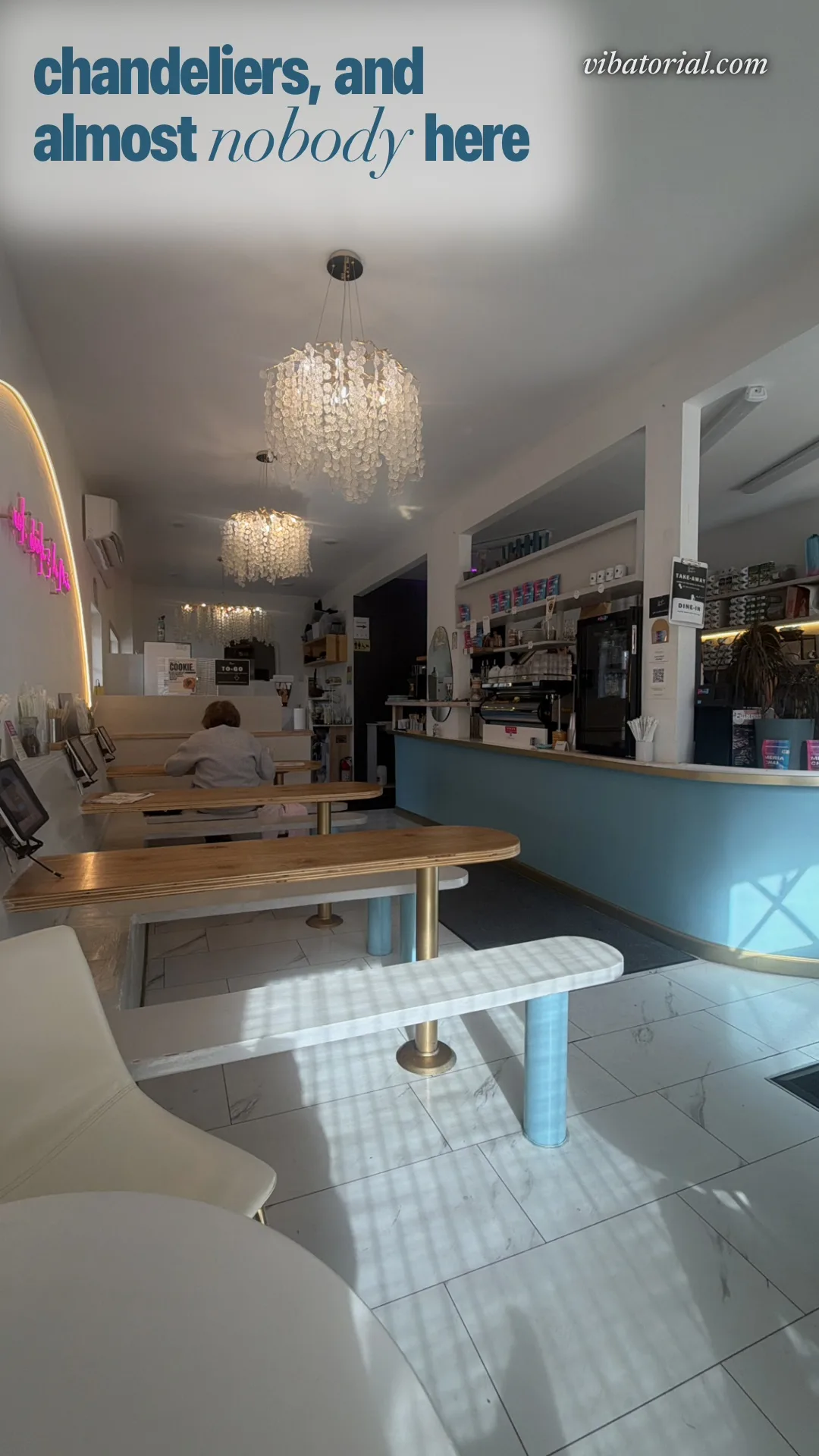
a café in the morning, crystal chandeliers and sun across the floor “the sun let itself in and laid the whole floor like a table. you only have to sit.”
a café in the morning, crystal chandeliers and sun across the floor “open sign on. whole street to ourselves. water at the end of it.”
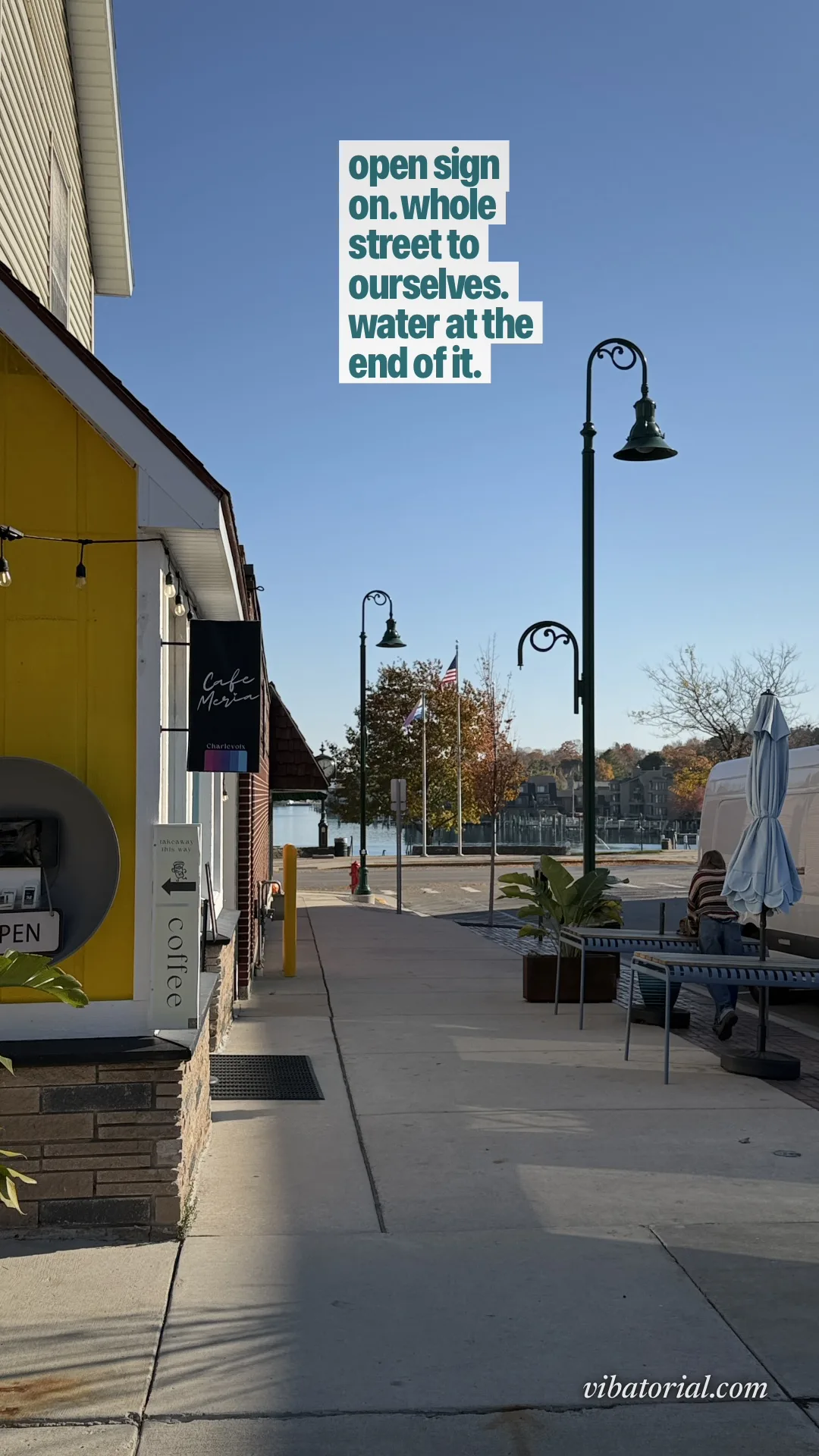
a small café storefront on an empty sunny street, the harbor at the end
work-from-anywhere captions
One table, one matcha, one laptop that never woke up.
“fourth day working from this table. laptop still asleep.”
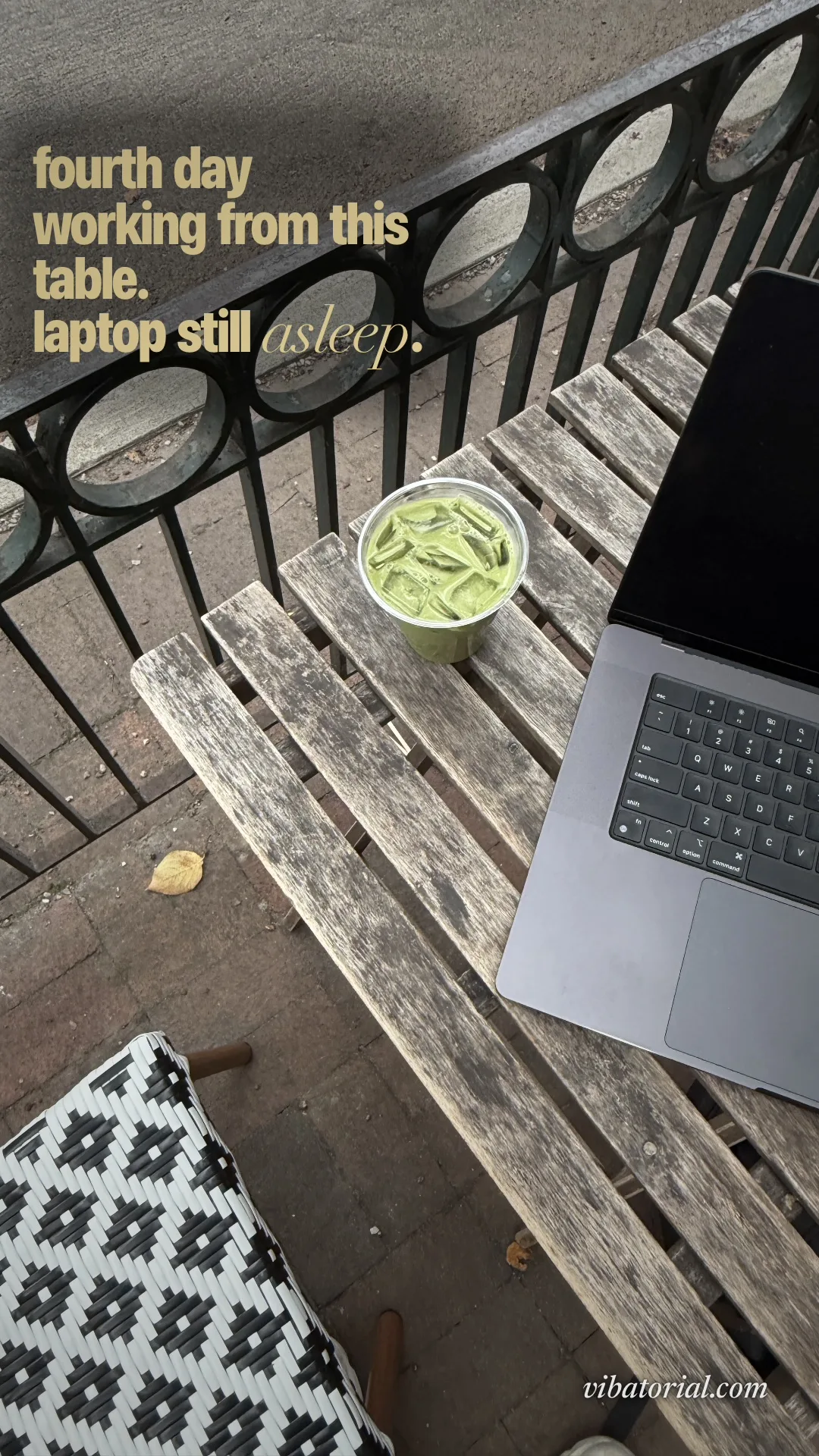
an iced matcha and a closed laptop on a weathered outdoor café table “matcha first. work second. obviously.”

an iced matcha and a closed laptop on a weathered outdoor café table
food and night-out captions
A pan nobody wasted, a wet night in New York, and a planter that didn't make it.
“NOT ONE SQUARE INCH OF PAN WAS WASTED”

chicken browning edge to edge in a crowded pan “worth getting wet for.”
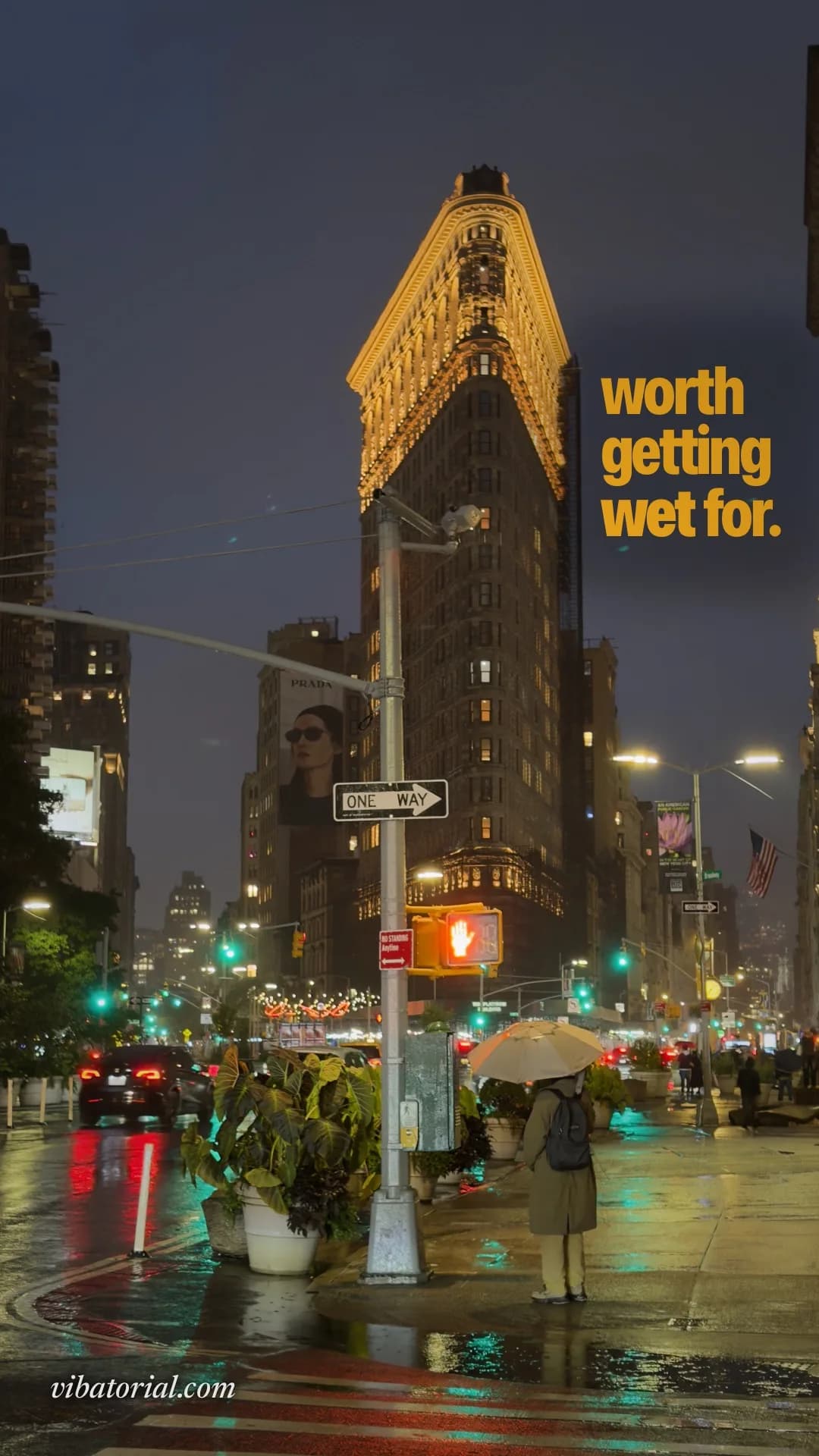
the Flatiron Building at night in the rain “one of them made it.”
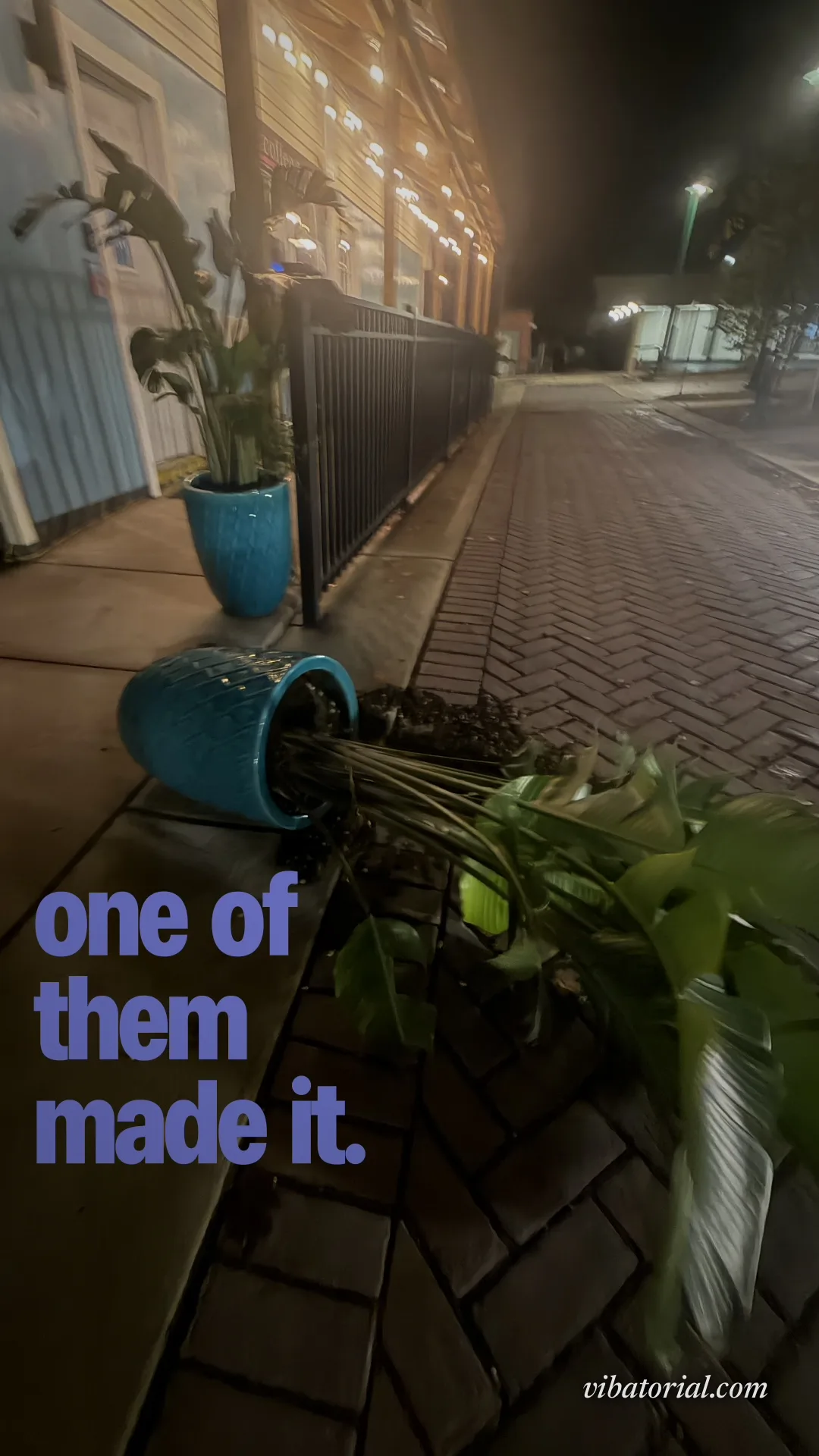
two planters on a sidewalk at night, one tipped over
a caption for your own photo.
Pick the photo.
Any photo from your camera roll. No template, no prompt to write.
It writes the caption.
About what is in the picture, in one of 15 voices, from deadpan to poetic. Ask again for a new line.
It designs the post.
The type, its size and colour, set where the photo has room for it, sized for your Story or feed.
questions.
- How do I come up with a caption for my photo?
- Start from the one thing in the picture nobody else would mention: the latte art you kept, the ducks on the dashboard, the plant that fell over. A caption about that detail beats a quote that fits any photo. Vibatorial does this for you: it reads the photo and writes the line about what is actually in it.
- How do I put a caption on my photo on iPhone?
- To type it yourself, open the photo in Photos, tap Edit, then More (⋯), Markup, the plus button and Add Text (our step-by-step guide with screenshots is at vibatorial.com/add-text-to-photo-iphone). To have it written and set for you, pick the photo in Vibatorial: it writes the caption in one of 15 voices and designs it onto the photo for your Story or feed.
- Can I use these captions?
- Yes, take any of them. Each one was written for the photo it sits on, though, so your own photo will get a better line of its own.
- Is it free?
- Your first 3 covers are free, with no account. Vibatorial Pro is $7.99 a month or $29.99 a year, and the year starts with a 7-day free trial.
- Does it work on Android?
- Not yet. Vibatorial is an iPhone app and needs iOS 17.0 or later.