The magazine cover maker that writes the headline
Vibatorial turns a photo from your camera roll into a finished magazine-style cover. It looks at what is actually in the picture, writes a kicker, a headline and a subhead about it, chooses the type and the layout, and leaves the photograph as you took it.
3 free covers · No account · Nothing to cancel
Same photo, two voices, two different covers
A template gives everyone the same cover lines. Vibatorial writes new ones for each picture, in whichever of its 15 voices you pick, so one photograph comes back as a different cover depending on the voice. These are real covers from the app, unedited.
The photo: a rainy street of camera shops at night
Roast
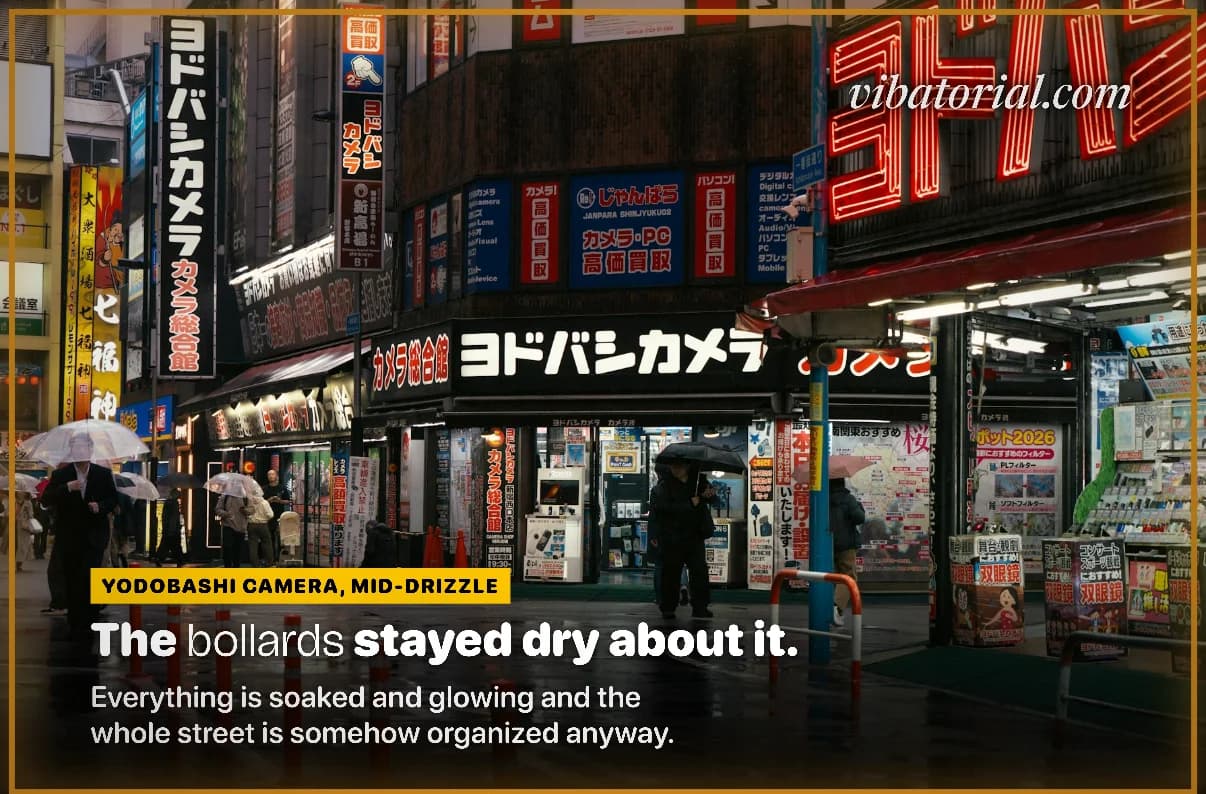
YODOBASHI CAMERA, MID-DRIZZLE
The bollards stayed dry about it.
Everything is soaked and glowing and the whole street is somehow organized anyway.
Quirky
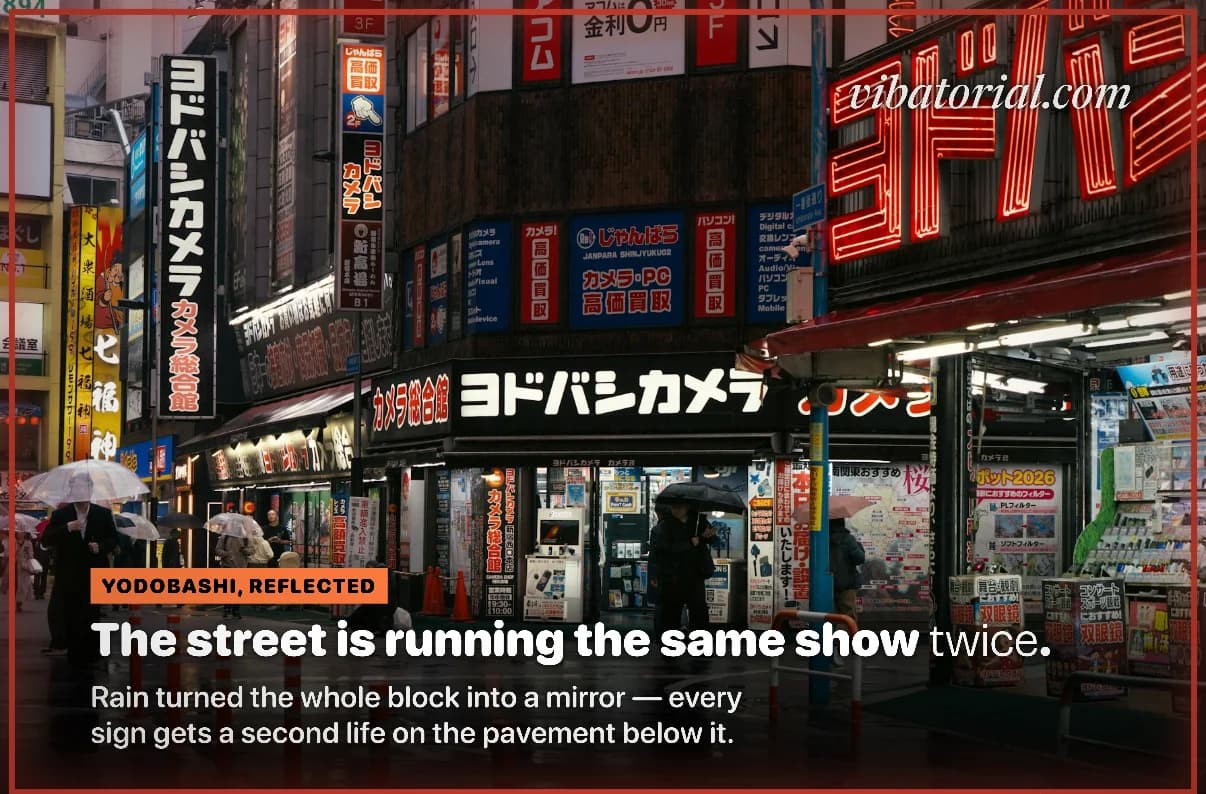
YODOBASHI, REFLECTED
The street is running the same show twice.
Rain turned the whole block into a mirror — every sign gets a second life on the pavement below it.
The photo: a whitewashed lane with blue doors and one flowering plant
Poetic
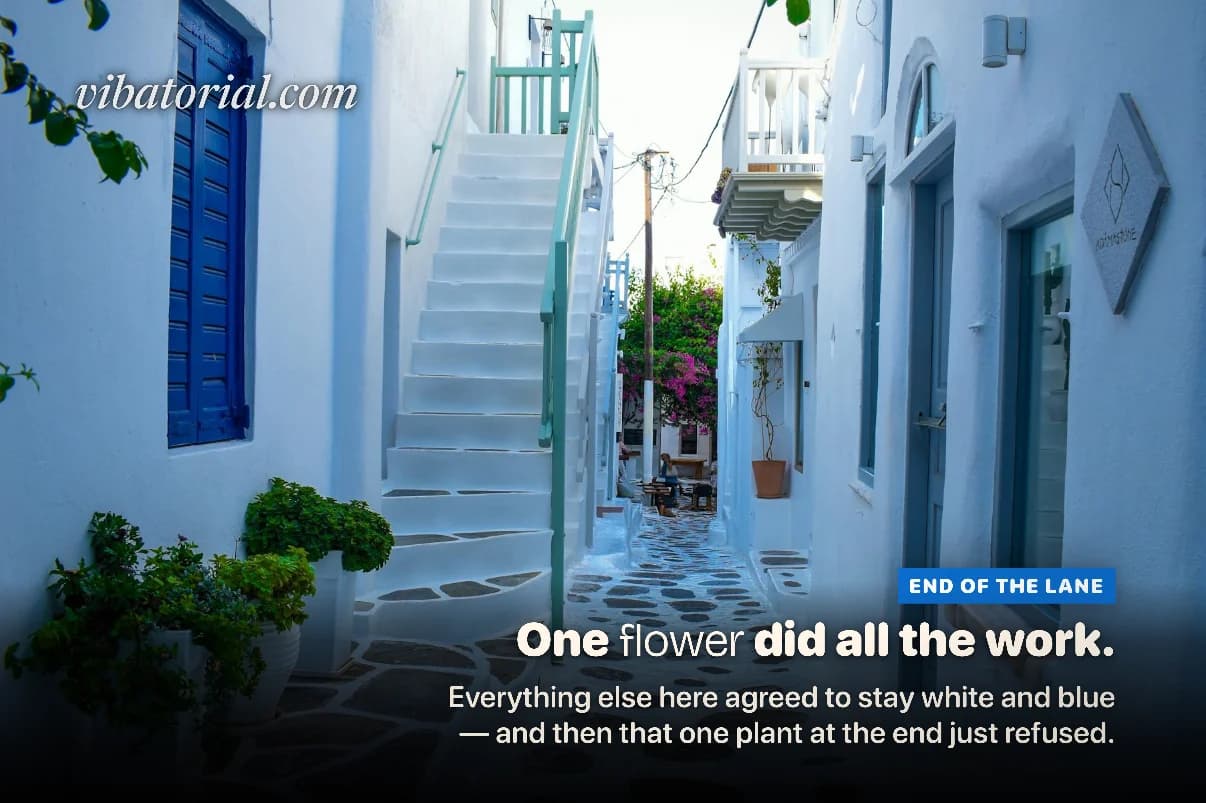
END OF THE LANE
One flower did all the work.
Everything else here agreed to stay white and blue — and then that one plant at the end just refused.
Quirky
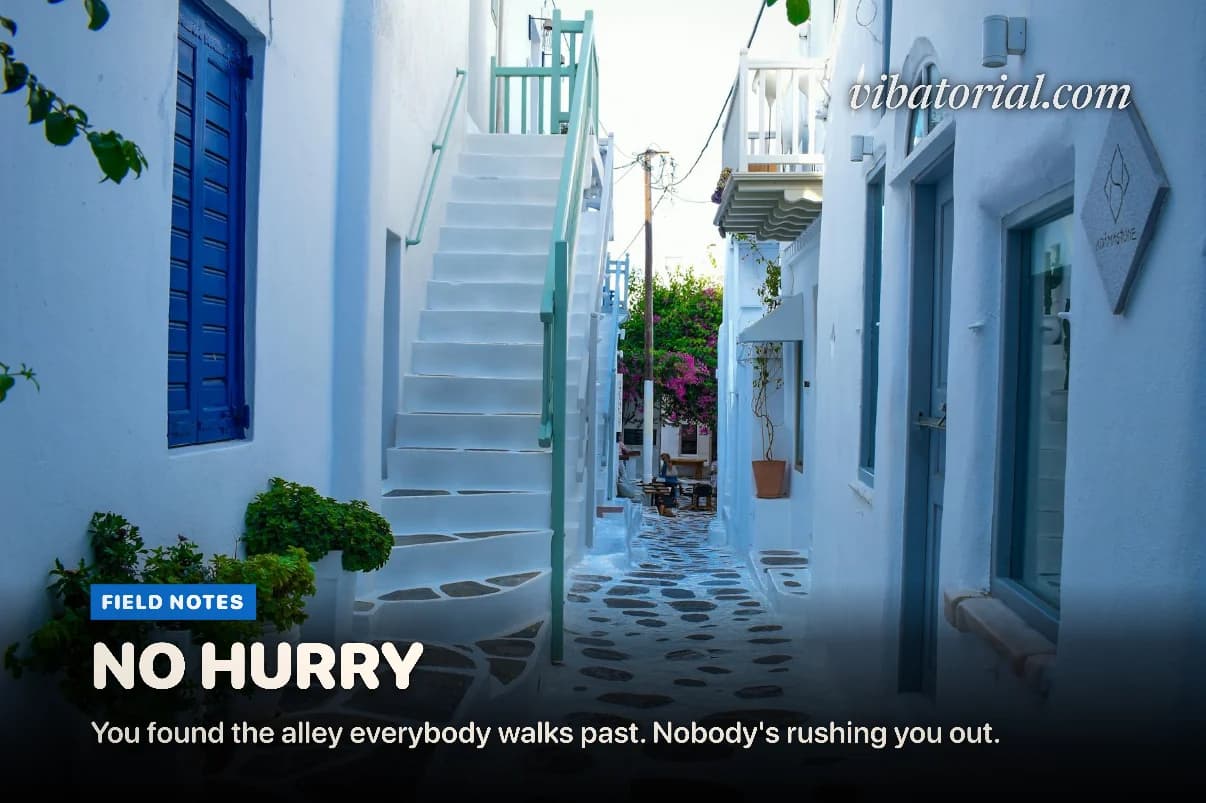
FIELD NOTES
NO HURRY
You found the alley everybody walks past. Nobody's rushing you out.
What goes on a magazine cover
A cover is built from three lines of type, and each one has a different job. These are the three the app wrote for a photo of a burger.
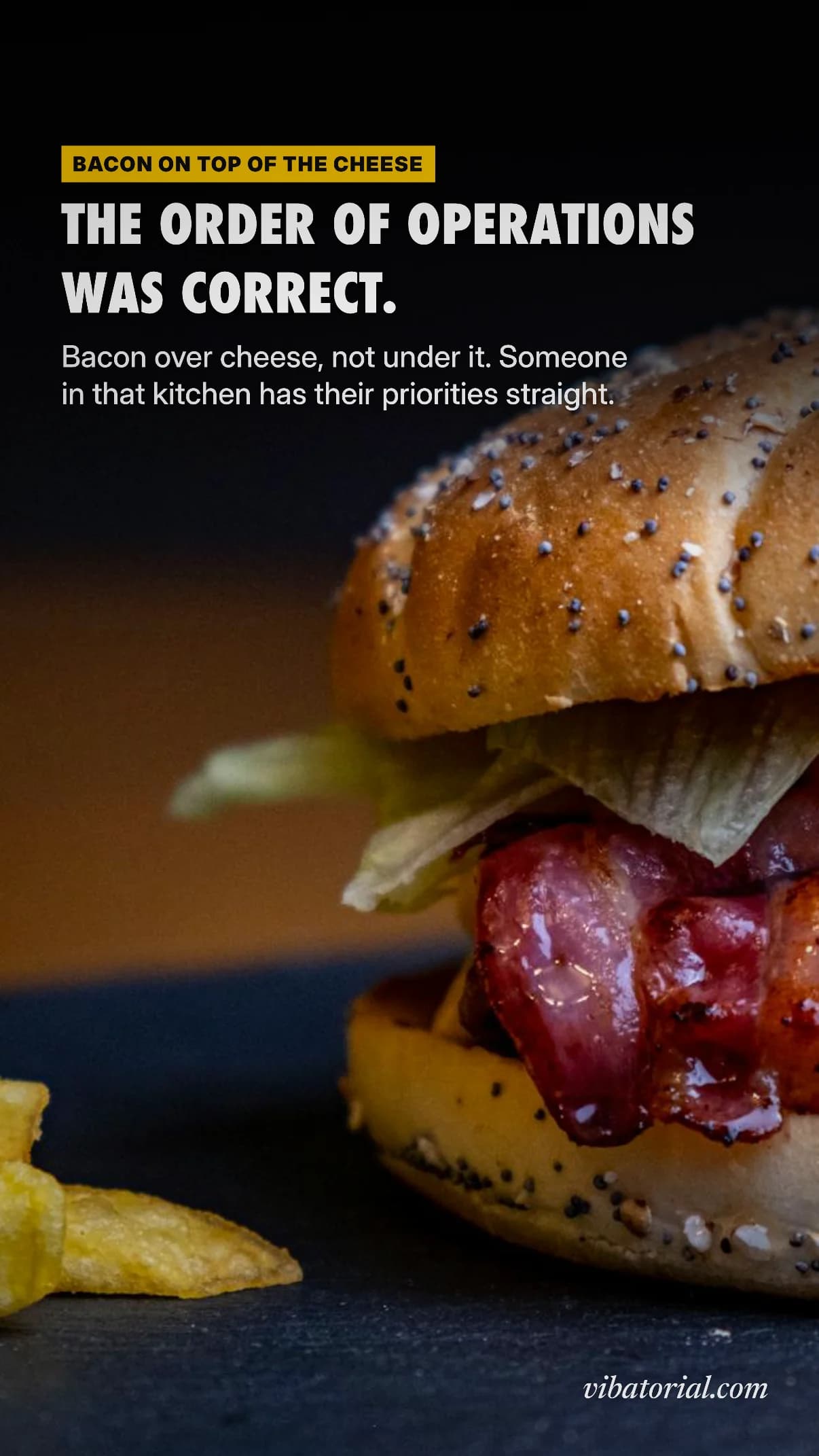
- Kicker
“BACON ON TOP OF THE CHEESE”
The small label above the headline. It points at the detail you would notice first, so the reader knows where to look.
- Headline
“THE ORDER OF OPERATIONS WAS CORRECT.”
The line in the biggest type. It carries the idea or the joke, so it has to work even if nobody reads anything else.
- Subhead
“Bacon over cheese, not under it. Someone in that kitchen has their priorities straight.”
One or two sentences that pay the headline off with the specifics.
Newsstand covers also carry a masthead, a barcode, an issue number and a stack of extra cover lines. Vibatorial leaves those off. They are there to sell a magazine at a shop, and on a post they crowd the photo.
Your photo, not a redrawn one
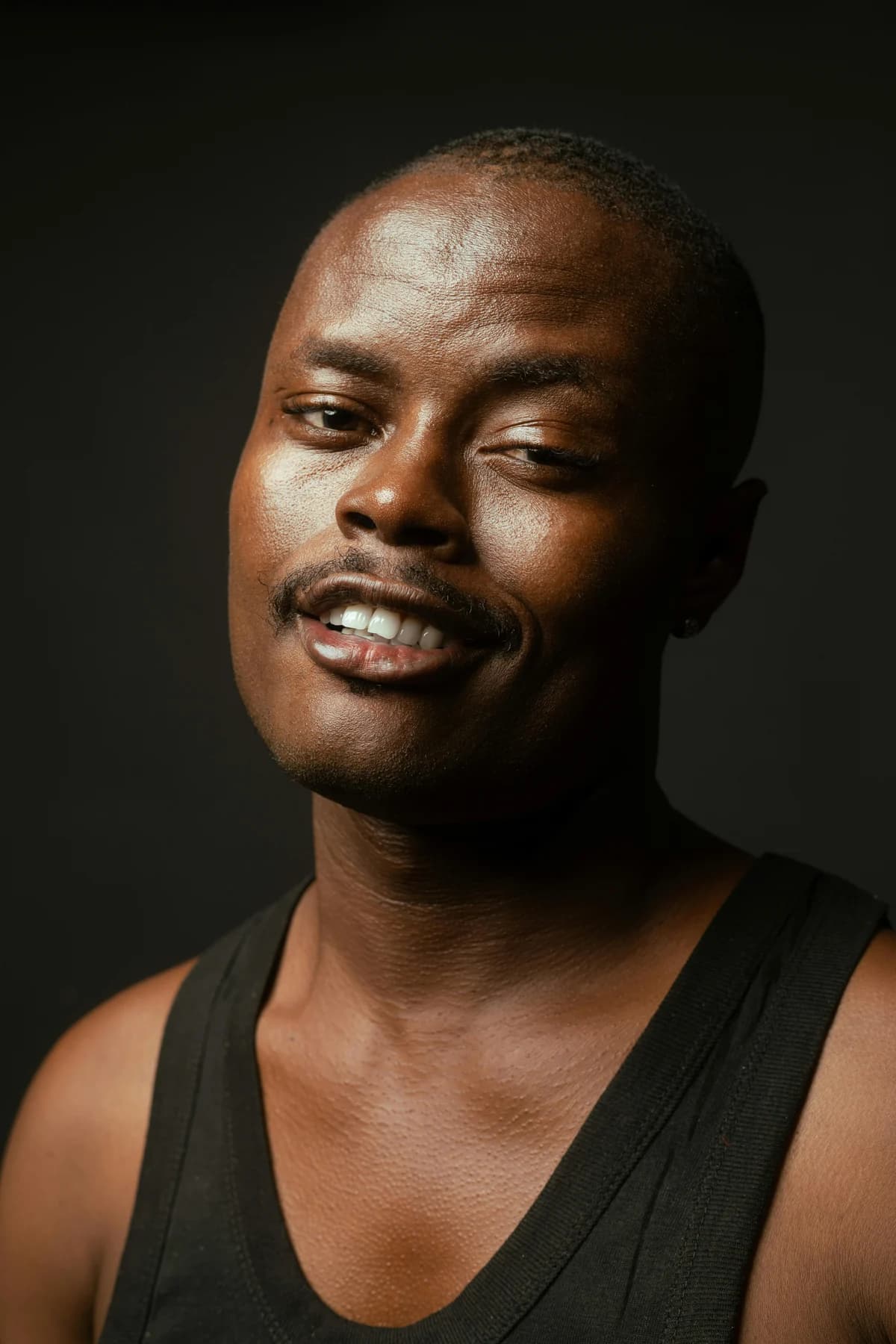
Some AI cover makers regenerate the person in the picture with a new pose, new clothes or a new background. Vibatorial doesn’t change what is in the photo. It crops and frames it, may add a color tint or film grain, and sets the type around the subject. The person on the cover is the person you photographed.
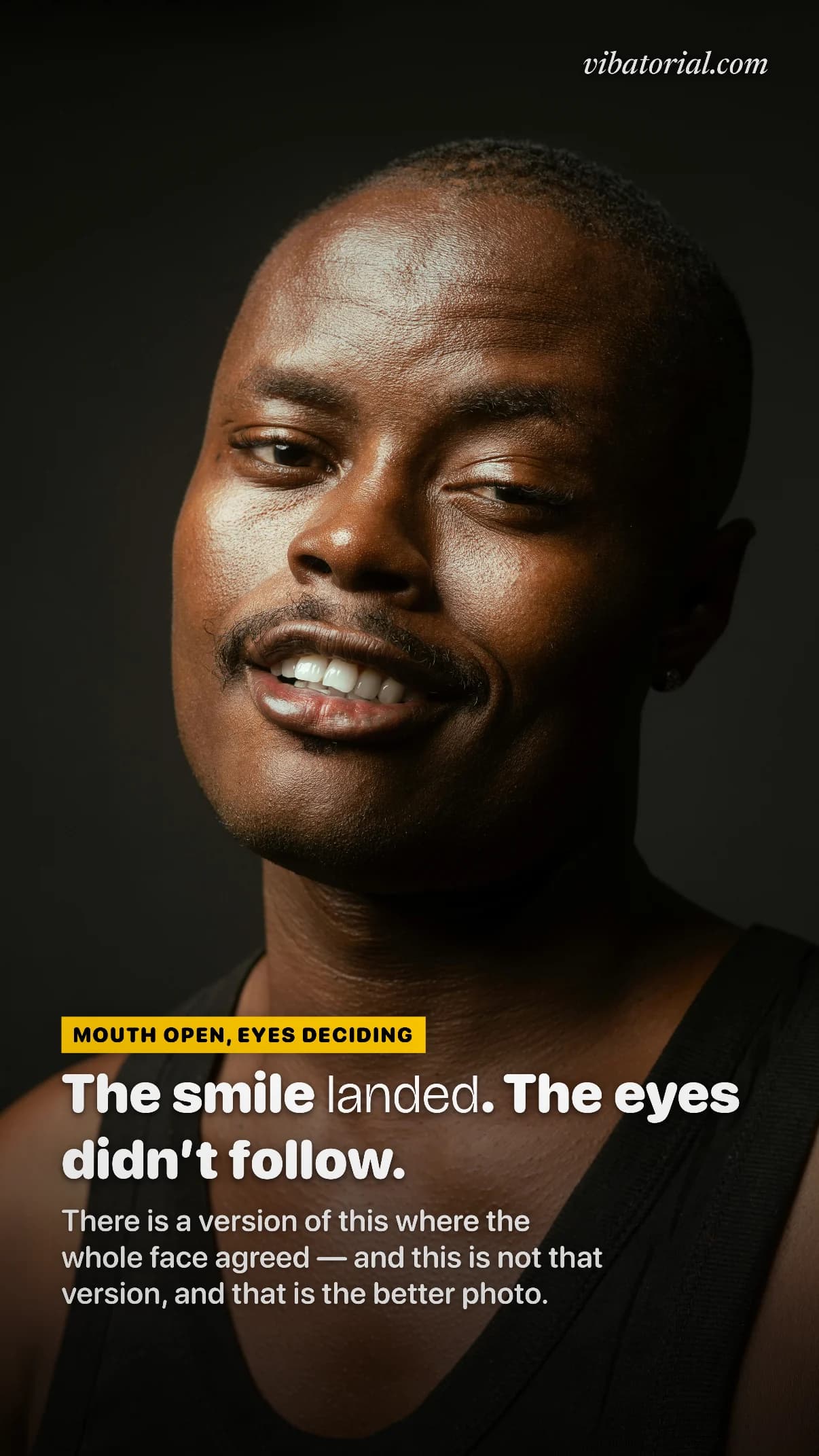
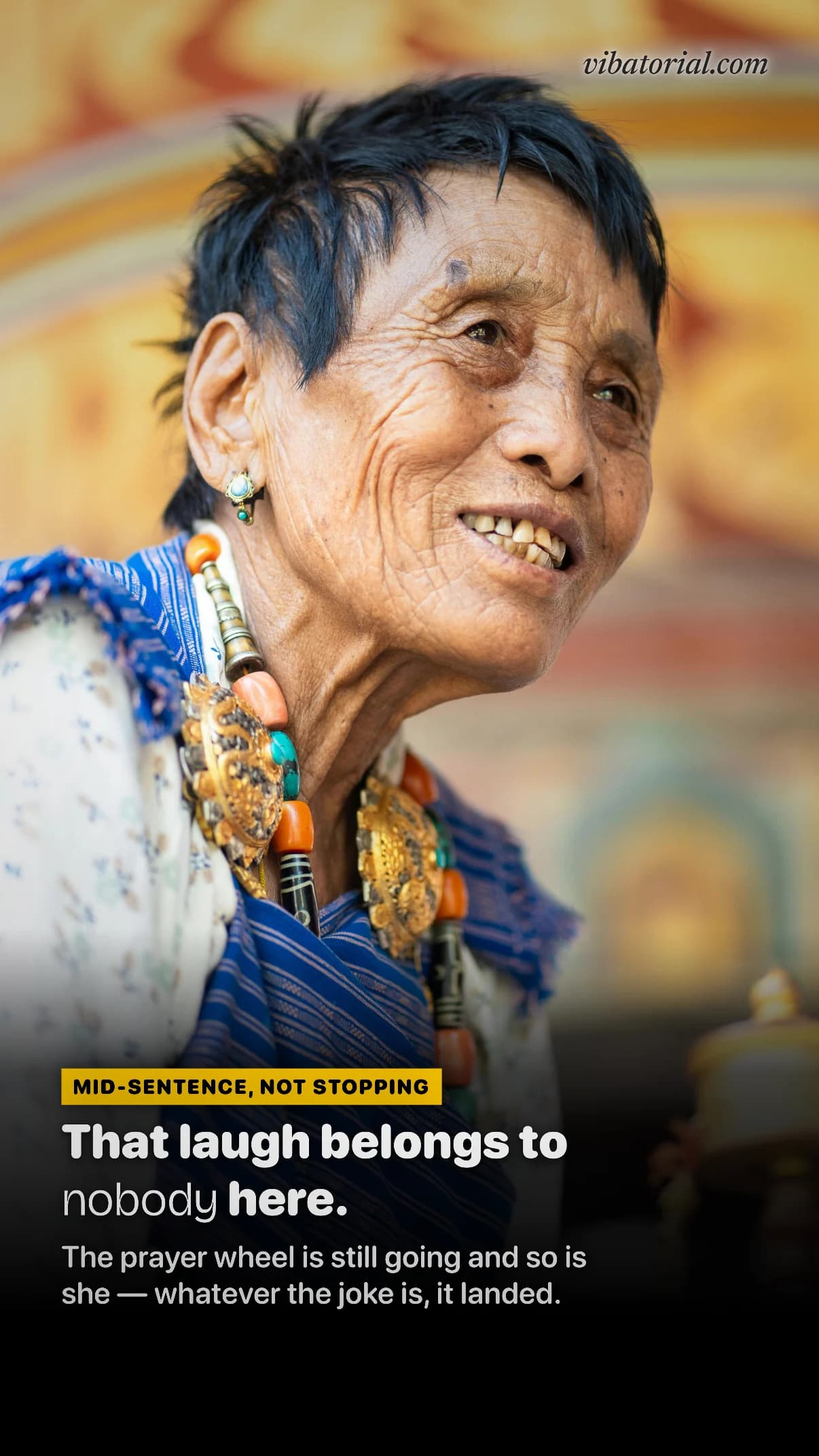
MOUTH OPEN, EYES DECIDING
The smile landed. The eyes didn't follow.
There is a version of this where the whole face agreed — and this is not that version, and that is the better photo.
How to turn a photo into a magazine cover
Five steps on your iPhone. The first 3 covers are free and you don’t need an account.
01
Pick a photo
Choose any photo in your library, or take one.
02
Pick a voice, or leave it on Auto
Choose one of the 15 voices, from Roast to Poetic to Nature Doc, or let Auto choose one that suits the photo.
03
Let it write the cover
It reads the photo and writes the kicker, headline and subhead, then chooses type, color and layout to fit the picture.
04
Change anything
Edit any line, switch the voice for new lines, move the type or reframe the photo.
05
Pick a shape and share
Export as a 9:16 Story, a 4:5 post, a square or four other shapes, then save it to Photos or share it.
More covers the app made
Nerdy
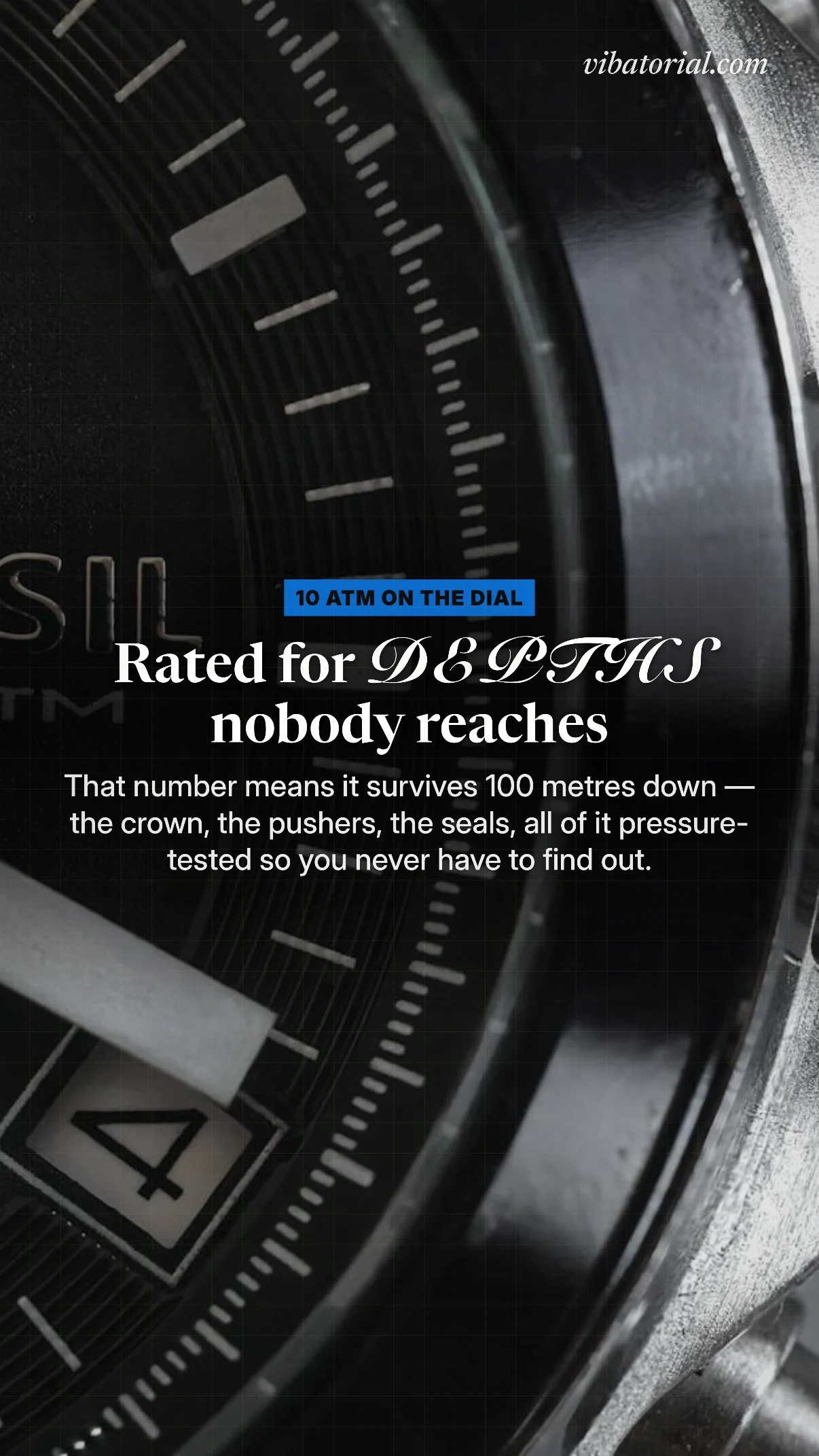
10 ATM ON THE DIAL
Rated for DEPTHS nobody reaches
That number means it survives 100 metres down — the crown, the pushers, the seals, all of it pressure-tested so you never have to find out.
Poetic
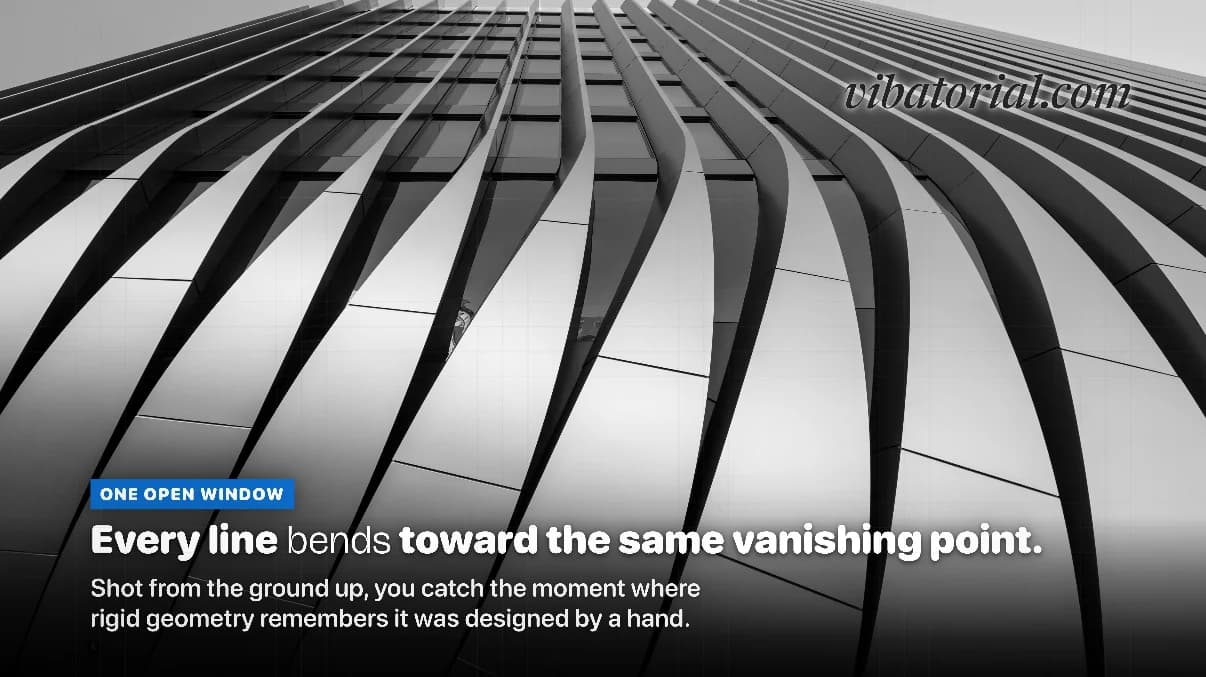
ONE OPEN WINDOW
Every line bends toward the same vanishing point.
Shot from the ground up, you catch the moment where rigid geometry remembers it was designed by a hand.
When a template editor is the better pick
Vibatorial makes a cover of your photo for a post or a Story, with words about the picture. For some jobs a design tool with magazine templates will serve you better:
- You're designing the cover of an actual publication, with your own masthead, an issue number, a barcode and several cover stories.
- You need print sizes or want to work on a computer. Vibatorial exports phone-sized images from an iPhone.
- You're on Android. Vibatorial is iPhone only.
- You want to choose every font and position from a blank page. You can edit what Vibatorial makes, but it starts by making those decisions for you.
Questions
Can I make a magazine cover from my own photo for free?
Yes. Your first 3 covers are free and you don't need an account. Free covers carry a small vibatorial.com mark. A one-time $1.99 purchase removes the mark, and Vibatorial Pro is $7.99 a month or $29.99 a year (the year starts with a 7-day free trial).
Can I put my photo on the cover of a real magazine?
Not as a copy of one. Real magazine names and mastheads are trademarks, so Vibatorial doesn't imitate them. It makes an editorial cover in its own type, with lines written about your photo.
Does it write the headline for me?
Yes. It writes the kicker, the headline and the subhead from what it sees in the photo. You can edit any of them, or switch to another voice and get new ones.
What sizes can I export?
9:16 Story, 4:5 post, 1:1 square, 2:3 poster, 3:2, 16:9, iPhone wallpaper. You can save to Photos or share straight to Instagram, TikTok or Messages.
Does it work on Android or in a browser?
No. Vibatorial is an iPhone app and needs iOS 17.0 or later.
Put your photo on the cover.
Pick a photo you already have. The words, the type and the layout are the app’s job.
3 free covers · No account · Nothing to cancel
Covers on this page were captured from the Vibatorial app on August 28 and September 9, 2026, and are shown unedited. The app writes new lines every time, so your photo gets its own. Photos from Pexels by Anil Sharma, Iban Lopez Luna, Ioanna Koukoura, Marianne Rixhon, Hashtag Melvin, Ruben Boekeloo and Wolfgang Weiser.